 NatashaTheRobot

Building a custom Swift workflow for Claude Code is a tedious process of trial and error. You have to research specific skills, install them one by one, and hope they don't clash. If you just copy someone else's setup, you're stuck with their specific tool choices and expenses, whether they actually fit your project or not. Worse, your agent will often forget or not follow your earlier instructions. And you have to keep repeating yourself again and again, across sessions to get an output that meets your base standards.
SwiftFlow Starter guides you through choosing your own rules and tools for each stage of app development once, then Claude builds your own custom workflow. The initial setup takes time, but once it's done, Claude is configured to follow your rules every time, getting the right instructions at the right time so you can focus on building high-quality products instead of managing Claude.
How SwiftFlow Starter Works
SwiftFlow Starter helps you build your own Claude Code workflow, with the rules and tools you choose for each stage of app development. The initial setup takes time, but you only need to do it once. After that, Claude Code follows your workflow across projects and sessions, without you having to repeat the same instructions over and over again within the same session and across multiple sessions.
1. Give the starter to Claude Code
Start by watching the included workshop video to understand how SwiftFlow works and how to get the most out of it.
Then download the SwiftFlow Starter and share it with your Claude agent. Claude will follow the included instructions to create an interactive Artifact that interactively walks you through setting up your own workflow, one step at a time.
2. Configure your own workflow, one decision at a time
The Artifact walks you through 19 guided steps to decide how you want Claude to work at each stage of app development.
Each step comes with default choices and explanations to help you get started. You decide which rules to keep, which ones to change, and which tools to use. You can also add your own instructions to any step to make the workflow fit exactly the way you work.
Take your time. Setting up your own workflow can take a while, and there's no need to finish everything at once. The Artifact saves your choices and notes as you go, so you can leave and come back whenever you're ready, right where you left off.
3. Build your custom SwiftFlow
Once you're happy with your choices, click Build my SwiftFlow. Claude guides you through the full setup, configures your rules, and installs the tools you've selected.
When everything is ready, you'll have your own custom SwiftFlow that works across your Swift projects and Claude Code sessions, automatically following the rules and tools you've set.
4. Keep improving your workflow
Once your SwiftFlow is up and running, you can continue to customize it. As your projects and needs change, just ask Claude Code to update your SwiftFlow.
You can change your rules, add new tools, or adjust how existing ones work. Claude can modify the code directly, so you can keep refining your SwiftFlow without having to start over.
15 tools included
SwiftFlow Starter comes with 15 developer tools covering planning, Apple documentation, unit and UI testing, simulator management, and App Store preparation, including screenshots and preview videos.
You don't have to use all of them. During setup, Claude installs only the tools you select. Each tool comes with its full source code, so you can ask Claude to change how it works to fit your exact needs. You can also add your own tools, making the entire setup truly yours.
FAQs
Does SwiftFlow Starter work with other coding agents?
No. SwiftFlow Starter uses Claude-specific features, so it doesn't work with other coding agents.
Are there any additional costs?
SwiftFlow Starter includes 15 custom tools at no extra cost, but some of the recommended third-party tools are paid and can be an important part of your workflow. During setup, you'll choose which additional tools to include, from free open-source options to paid ones. You'll see the pricing before making each decision, and you can skip any paid tools you don't want to purchase.
Store tools inside

App Store Preview Videos
Let your agent handle App Store video production. It records real app flows, adds captions and device frames, and checks that every video meets Apple's technical specs.

App Store Slides
Let your agent handle the tedious work of creating App Store screenshots. It captures real app screens, frames them in official device bezels, and maintains a recipe in your repo so you can regenerate the entire set whenever your UI changes.
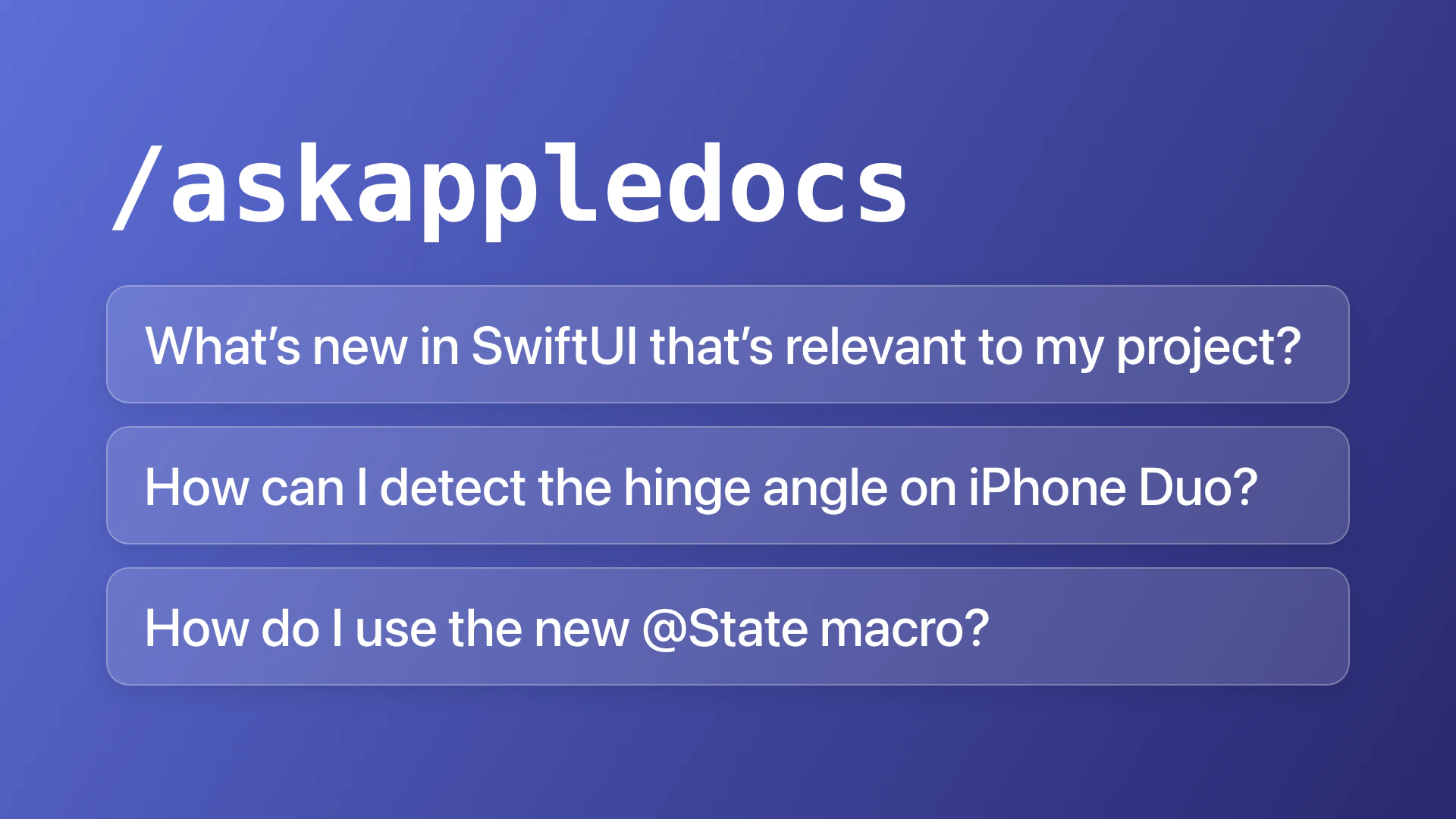
AskAppleDocs
Give your agent access to the latest Apple SDK APIs, so it can work with up-to-date documentation instead of relying on stale training data.
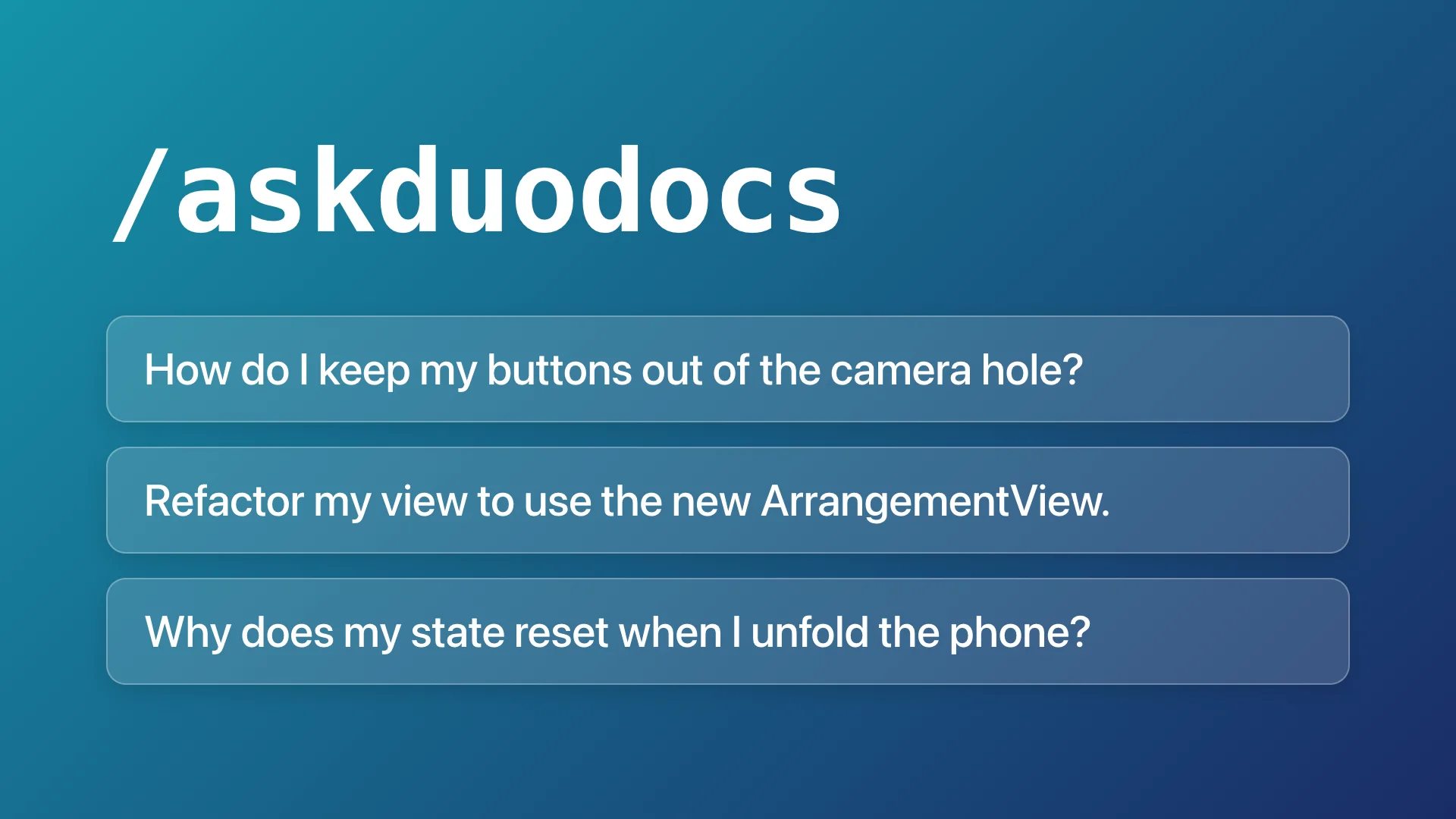
AskDuoDocs
Have your agent optimize your app for iPhone Duo straight from the official docs! No guessing or searching. Just the information your agent needs from your context.
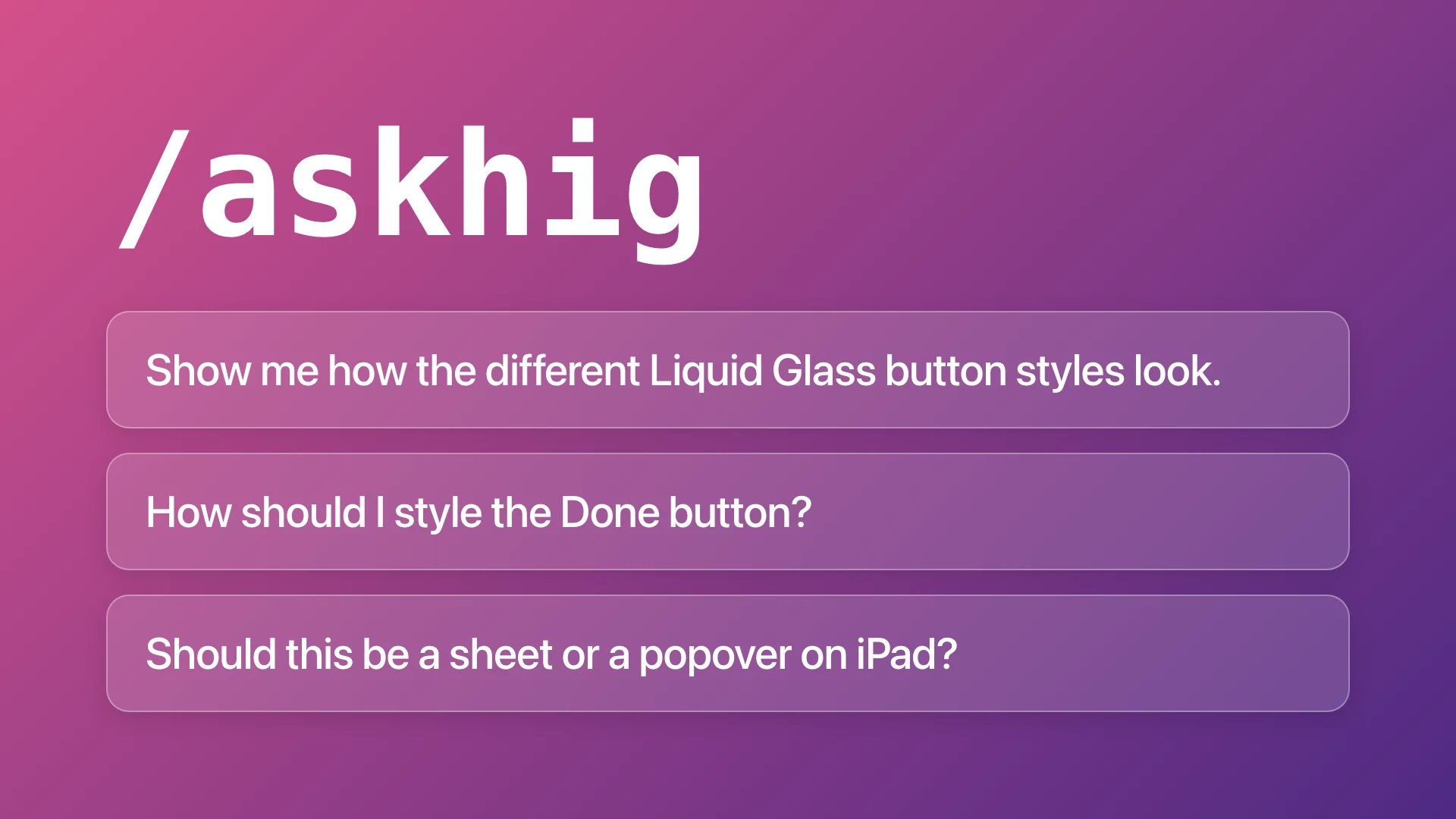
AskHIG
Give your agent Apple's Human Interface Guidelines before it designs your next feature. No more awkward navigation, misplaced buttons, or clunky interactions!

Context Cleanup
Clean up after your AI coding sessions. Remove leftover files, trim outdated agent notes, and free up disk space, all with one command.

Explain Clearly
Get short, clear explanations from your agent. Understand what changed, why, and what you need to do next, without reading through lengthy responses.

Plan Flow
Make sure your agent is building exactly what you envision. Set the big picture, review interactive plans, make key decisions, and track progress as Claude builds.

Remote Xcode Runner
Offload the heavy Xcode work to a Mac mini you control. Let your agents run iOS builds, UI tests, and SwiftUI previews on a remote Mac, each with its own simulator and isolated build environment. Focus on your own work instead of managing theirs.

Swift Unit Tests for Agents
Give your coding agent a better way to test Swift apps. Write reliable unit tests that catch real bugs, run only what's needed, and get fast feedback without launching the app or simulator.

Swift Verify
Let your agent prove new Swift features work by driving them in a simulator. Get visual confirmation through screenshots, screen text, and video without opening the app yourself.

SwiftUI Automation Tests for Agents
Give your coding agent a better way to test SwiftUI apps. Write reliable tests that catch real bugs, with short simulator runs that only test what's needed.

Todo Flow
Stop scrolling through long Claude Code conversations to find what needs your attention! Todo Flow keeps requests, decisions, and follow-ups organized in a todo list in your chat, so nothing gets lost and you can respond directly from the list.

Trusted Updates
Keep your Claude Code plugins and skills up to date automatically, only from sources you trust. Get the latest Xcode skills whenever you update Xcode by default!

Xcode Runner
Let your agents run iOS builds and UI tests across multiple projects without slowing down your Mac or interrupting your own work.