 NatashaTheRobot
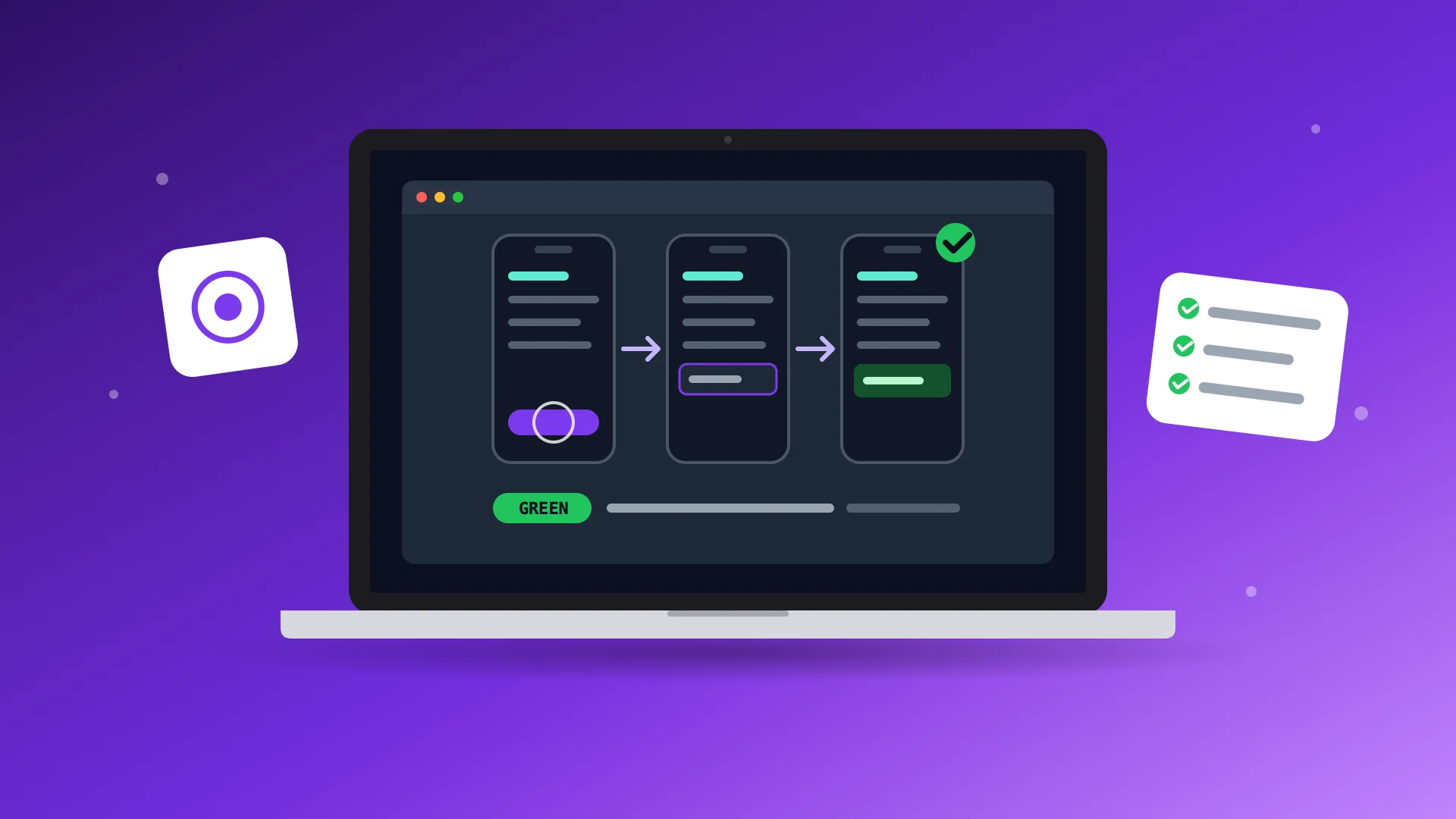
SwiftUI Automation Tests for Agents helps Claude Code and Codex write better UI tests and run them faster, so you can focus on building instead of testing everything yourself. Your agent tests real user flows, catches bugs as features are built, and runs only the tests that matter. With shorter, more focused test runs and clearer failure reports, your agent can find and fix problems faster without slowing down development.
Features
- Test real user flows. Your agent checks that features actually work, not just that the right screens appear.
- Build tests alongside features. Your agent writes and maintains UI tests as your app evolves, catching bugs early.
- Keep testing fast. Your agent runs only the tests needed for each change, with short, focused simulator runs.
- Find and fix bugs faster. Clear failure reports help your agent identify problems without digging through lengthy logs.
- Test without affecting real data. Keep your app's actual data, accounts, and settings safe during automated testing.
- Catch problems before release. Run more thorough tests across supported devices before shipping your app.
FAQs
Where do the UI tests run?
Your agent runs UI tests on iPhone and iPad simulators, including iPhone Duo, or directly on a Mac for macOS apps. Tests can run on your own Mac or a separate Mac, including a virtual one. The skill works with Claude Code and Codex.
Will UI tests slow down my development?
The skill keeps everyday test runs short by running only what's needed for each change. More thorough tests run before release. Your agent will let you know before starting tests that may interrupt your work.
Does this replace manual testing?
No. You should still walk through your app yourself before releasing it. The skill helps your agent catch bugs throughout development, so you can build faster without manually checking every feature after each change. It complements unit tests and SwiftUI previews rather than replacing them.