 NatashaTheRobot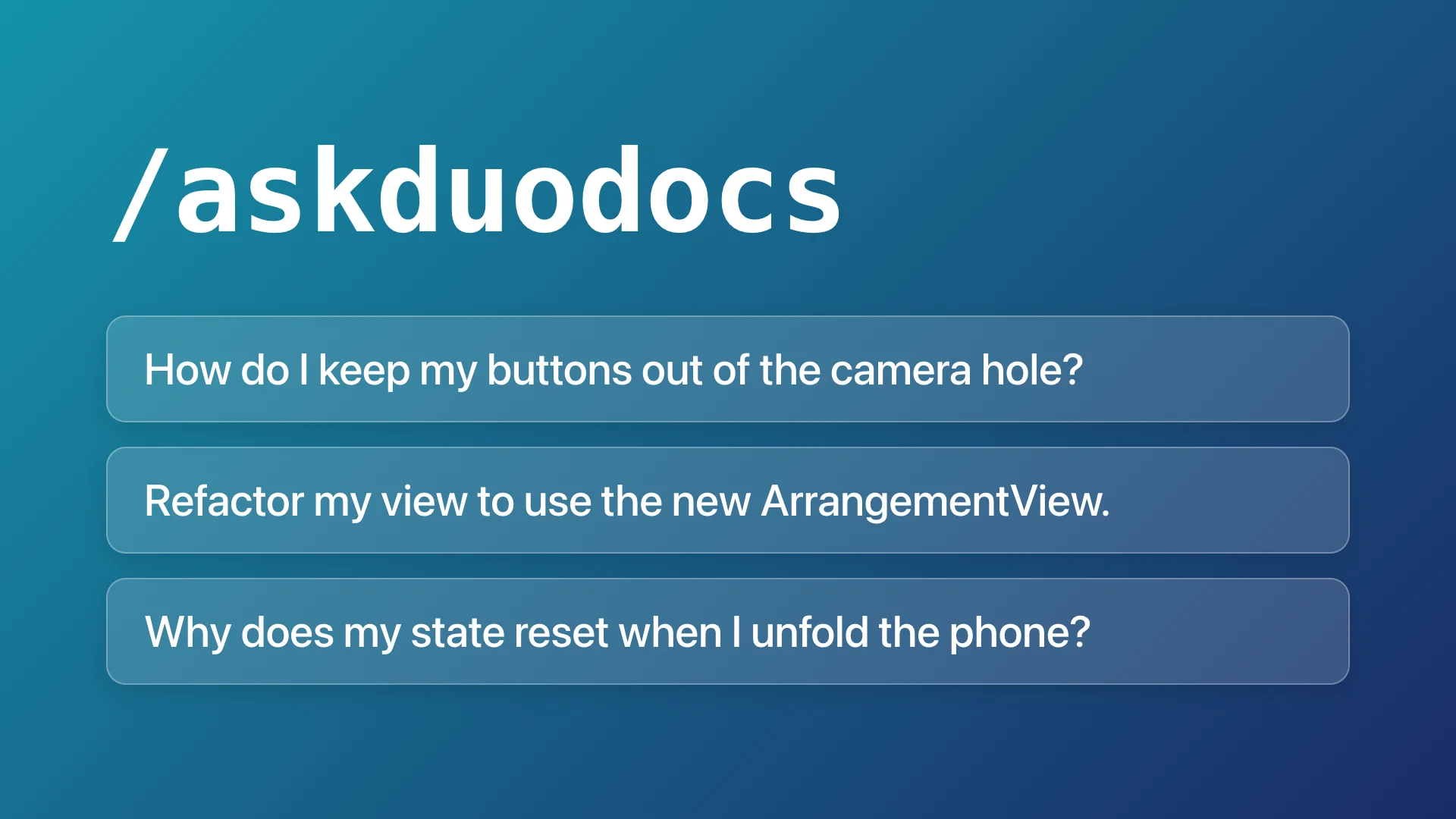
The Problem
Your agent's training cutoff was probably over a year ago. That means it has no idea what the iPhone Duo is or how to adapt your app to the new screens. You can tell your agent to search the web for documentation, but that wastes tokens, bloats the context, and can still miss important gotchas.
The Solution
The AskDuoDocs CLI is a tool that your agent uses to access relevant iPhone Duo docs based specifically on the context of your project. It can ask for Duo-specific facts before writing code, changing a design, explaining a bug, or taking screenshots.
Sample Prompts
- How do I keep my buttons out of the camera hole?
- Refactor my view to use the new ArrangementView.
- Why does my state reset when I unfold the phone?
How it works
AskDuoDocs has two parts:
- The
askduodocsCLI reads Apple's documentation pages, checks your app, and handles screenshots. It prints results as text for your agent. - The agent skill tells the agent when and how to use the CLI tool.
Features
- Get guidance from design to App Store submission. The tool covers everything from Duo layout, folding, the hinge, edge toolbars and tab bars, sheets and popovers, the camera, the keyboard, simulator testing, and App Store Connect.
- Check your app for Duo-specific issues.
askduodocs checklists places in your code and settings that matter on iPhone Duo, such asUIScreen.main, fixed widths, and hidden navigation bars. - Capture and check App Store screenshots.
askduodocs capturesaves what an iPhone Duo simulator displays at App Store Connect's size, without an alpha channel.askduodocs screenshotschecks a screenshot set before upload.
FAQs
Does it fold or unfold the simulator for me?
No. Set the simulator's pose in Device Hub, then use askduodocs capture to save its display.