Trusted Updates

Claude modUtilities

Keep your Claude Code plugins and skills up to date automatically, only from sources you trust. Get the latest Xcode skills whenever you update Xcode by default!

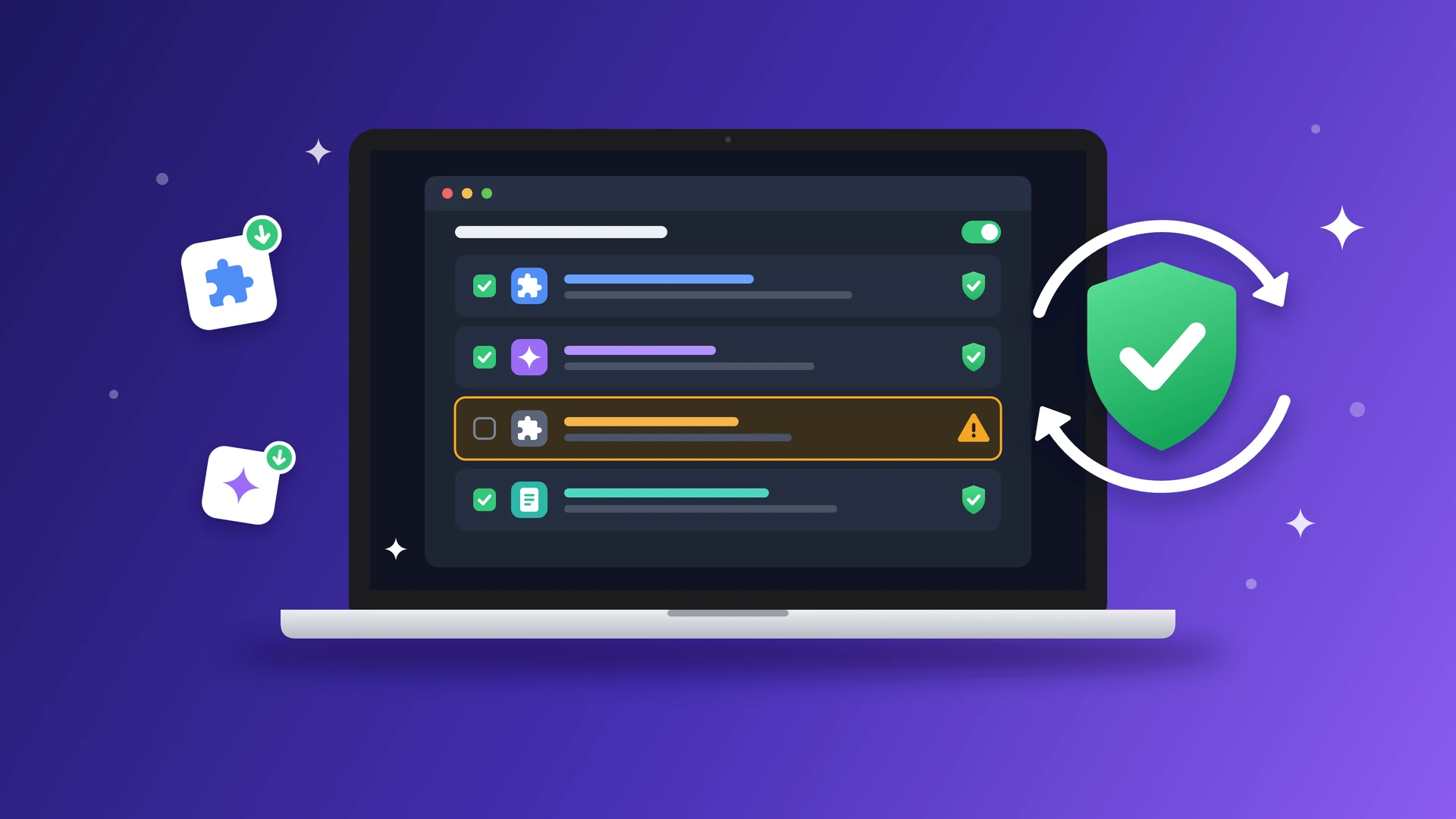
A laptop shows a list of plugins and skills: three are ticked with a green shield, and one is unticked with an amber warning. A big green shield sits inside two circling update arrows beside it.

You keep adding useful Claude Code plugins and skills, but keeping them up to date is another story. New versions keep coming out, and with so many tools installed, who has time to check each one? Before you know it, you're missing new features and improvements.

Trusted Updates lets you choose which plugins and skills to keep current from developers you trust. It checks for updates when you start Claude and installs them automatically.

Features

  • See who's behind each tool. Check the actual GitHub owner of each plugin or skill, with trusted developers shown first.
  • Choose what stays up to date. Pick the plugins and skills you want updated automatically. Nothing is added without your approval.
  • Automatically update Xcode skills. When you install a new version of Xcode, Trusted Updates brings its latest skills into Claude automatically!

FAQs

Does it work with Codex or other agents?

No. Trusted Updates is built specifically for Claude Code mod hooks, which Codex and other agents don't support.

What happens after you buy

  1. 1

    Download

    Download the ZIP, extract the trusted-updates folder, and share it with your Claude Code agent.

  2. 2

    Set up with your agent

    Claude follows INSTALL.md and guides you through setup, including any manual steps needed.

  3. 3

    Make it yours

    Use it as is, or ask Claude to add trusted GitHub developers, adjust update checks, or customize messages to fit your workflow.

Let your agent check if Trusted Updates is right for you.

Just copy this prompt:

Read https://tools.natashatherobot.com/trusted-updates.md, the page for Trusted Updates. Based on my Claude Code workflow, the plugins and skills I use, and how often I update them, assess whether this tool would help me keep them current and whether it's worth the price. Ask me for more context if needed.

It is a starter tool

Trusted Updates is a starter tool you can customize to fit your workflow.

The full terms are in the LICENSE file included with your download. Trusted Updates comes without warranty.