 NatashaTheRobot
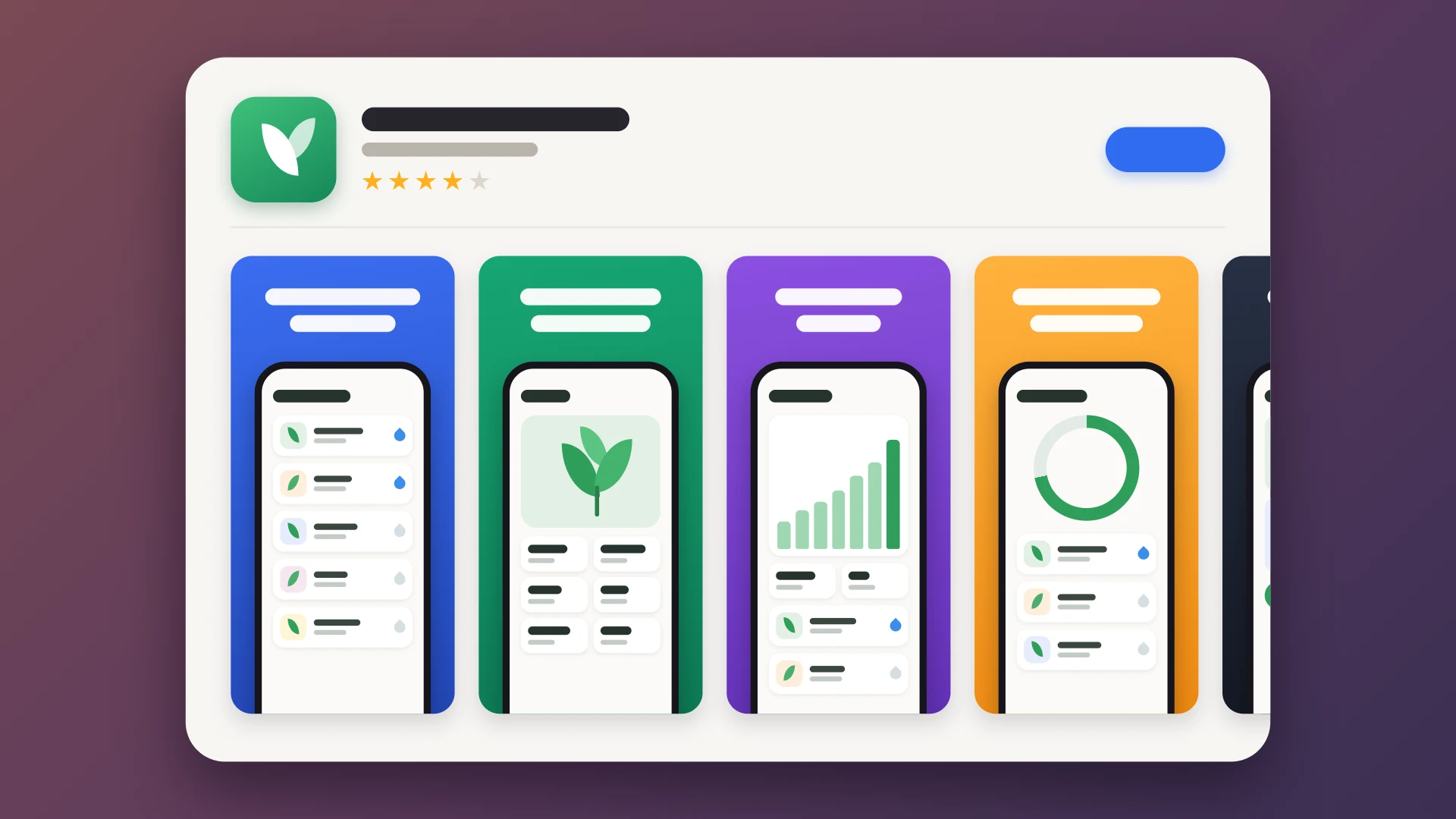
Creating App Store screenshots is a tedious manual chore. You have to pick screens, fill them with demo data, and fiddle with the simulator to get the clock, battery, and keyboard tips looking right. Then you have to frame each shot in a device bezel, add headers, and ensure the dimensions meet Apple's strict requirements. If you change your UI, you often have to start the entire process over from scratch.
App Store Slides gives your agent a repeatable process to manage this entire workflow. You make the creative decisions, like which screens to feature and what the text should say, and let your agent handle the technical heavy lifting of capturing, framing, and validating every slide.
Sample Prompts
- "Create App Store screenshots for the Product screen on the iPhone Duo unfolded."
- "Scroll down to the plants section for this screenshot."
- "Remake my App Store slides with the new UI changes."
How it works
- Follows a guided workflow. The agent leads you through an eight-stage process, starting with the iPhone set so you can approve the look before it generates the iPad, foldable iPhone, and Mac sets.
- Uses expert knowledge. The agent relies on Apple's official screenshot specs and a library of 115 known issues and fixes to avoid common mistakes.
- Maintains a codebase recipe. The agent writes script for drawing the slides in your repository. This allows the agent to quickly regenerate the entire set whenever your UI changes.
Features
- Capture real app screens. Your agent uses a debug-only demo launch to fill your app with fictional data, ensuring you get shots of your actual interface rather than static mockups.
- Produce clean simulator shots. The agent configures the simulator with a 9:41 clock and a full battery, and ensures the slide-to-type tip is marked as seen so it doesn't block the view.
- Generate official device frames. Your agent places shots into official device bezels on colored backgrounds with headers and optional subheaders, producing opaque PNGs ready for App Store Connect.
- Support multiple device families. The agent automates screenshot sets for iPhone, iPad, iPhone, iPhone Duo, and Mac.
- Automated quality checks. Your agent validates every slide's size, transparency, and count, and can even display a set side-by-side so you can review everything at a glance.
FAQs
Will the agent pick my marketing content?
No. You decide which screens to show, the order, the header text, and the overall aesthetic. The agent only handles the technical execution of capturing and drawing the slides.
What changes in my project?
The agent adds a debug-only demo launch, accessibility identifiers for testing, and a UI test to take the shots. It also writes Swift and AppKit code to your repository to draw the slides and saves the resulting files in a dedicated folder.
Does it use my real data?
No. The demo launch fills the app with fictional data. If you ask the agent to record specific server replies for a shot, it keeps that data strictly for that specific shot and does not store any private links or sessions.
Can I use it with other agents?
It is built and tested for Claude Code and Codex on a Mac with Xcode. It should work with other coding agents that support skills, though you may need to adjust the instructions.
How does it handle Apple's rules?
The agent uses reference notes with Apple's specs and a list of common pitfalls. Since Apple updates rules when new devices launch, you should ask your agent to update the skill if you notice changes.
Can the agent help if App Store Connect rejects my screenshots?
Yes. Your agent can audit your slides against Apple's rules to identify issues like incorrect dimensions or transparency.