 NatashaTheRobot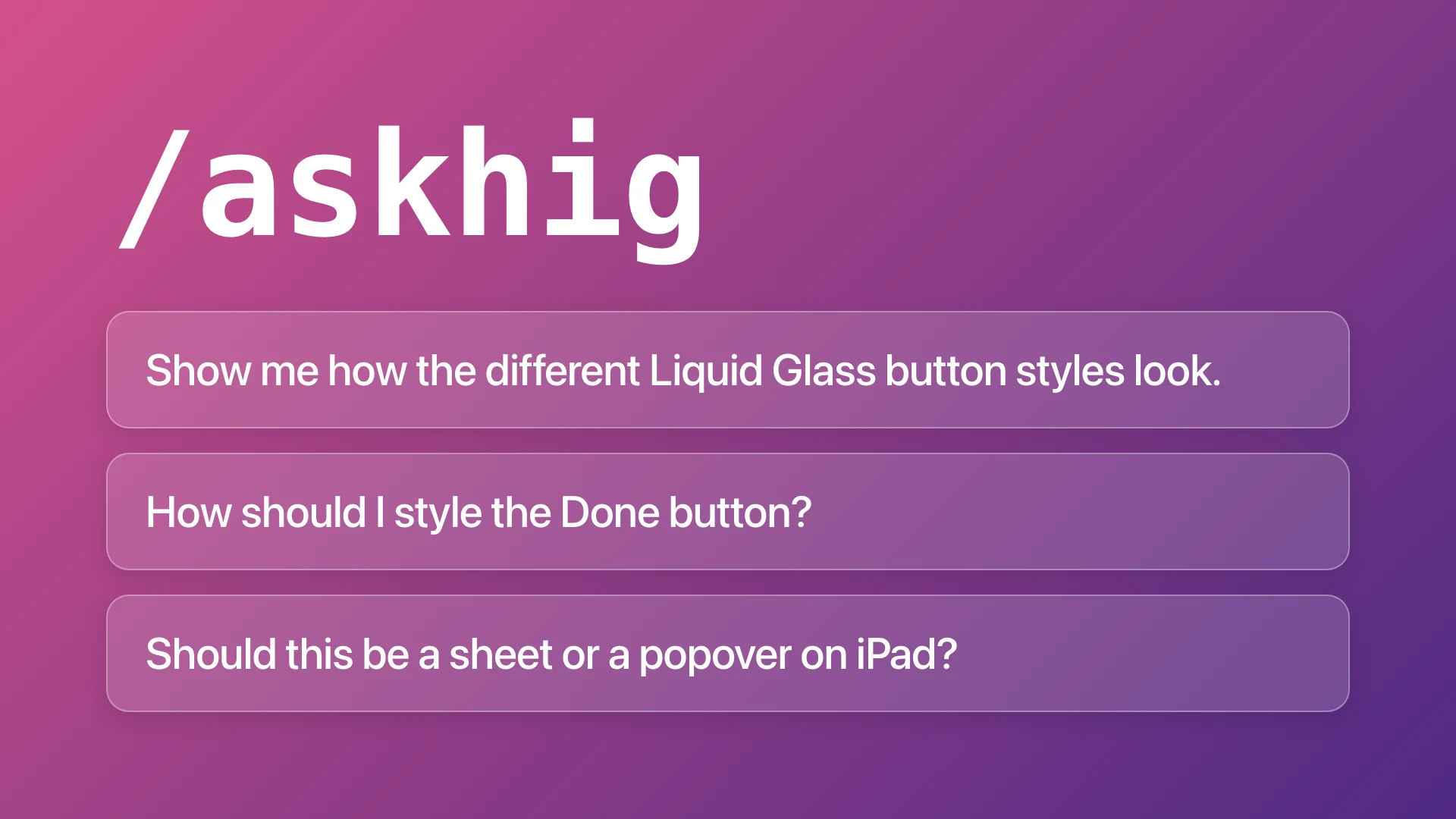
The Problem
Your agent can write good SwiftUI code and still design an interface that feels awkward to use. It may rely on outdated design guidelines, borrow patterns from other platforms, or invent interactions, leaving you with an app where everything technically works, but nothing quite fits together.
The Solution
AskHIG gives your agent access to Apple's Human Interface Guidelines before it designs or writes code. By getting the design right the first time, you spend fewer tokens fixing awkward interactions and reworking features later.
Sample Prompts
- Show me how the different Liquid Glass button styles look.
- How should I style the Done button?
- Should this be as sheet or a popover on iPad?
- Is this the correct button placement on iPhone Duo or a bug?
Features
- Get Apple's design guidance before building. Your agent finds the relevant Human Interface Guidelines for what you're working on, helping it make better design decisions the first time.
- Get relevant guidance without bloating your context. Your agent uses what it knows about your app to find and read only the Apple design guidelines it needs, saving tokens for building your features.
- See Apple's design components. our agent can pull up and show you Apple's own design illustrations, including light and dark versions, so you can see exactly what Apple recommends.
- Know when Apple doesn't have an answer. Your agent tells you when the HIG doesn't cover something instead of making up design recommendations.
- Future-proof your app's design. Your agent stays current with Apple's latest design guidance, including Liquid Glass and iPhone Duo, so your app follows modern Apple design patterns instead of outdated ones.