 NatashaTheRobot
The Problem
Multiple agents building and testing across several iOS projects at the same time can put a lot of pressure on your Mac, especially when they all need to run simulators. Each full simulator uses a lot of memory, while background builds compete with the Xcode work you're doing yourself. Before long, everything starts to slow down.
And when the agents finish, they don't always clean up after themselves. Simulators stay running, build files and logs pile up, and it's not always clear which files belong to your agents and which are yours. Cleaning things up can turn into another task, with the risk of accidentally removing something you still need.
The Solution
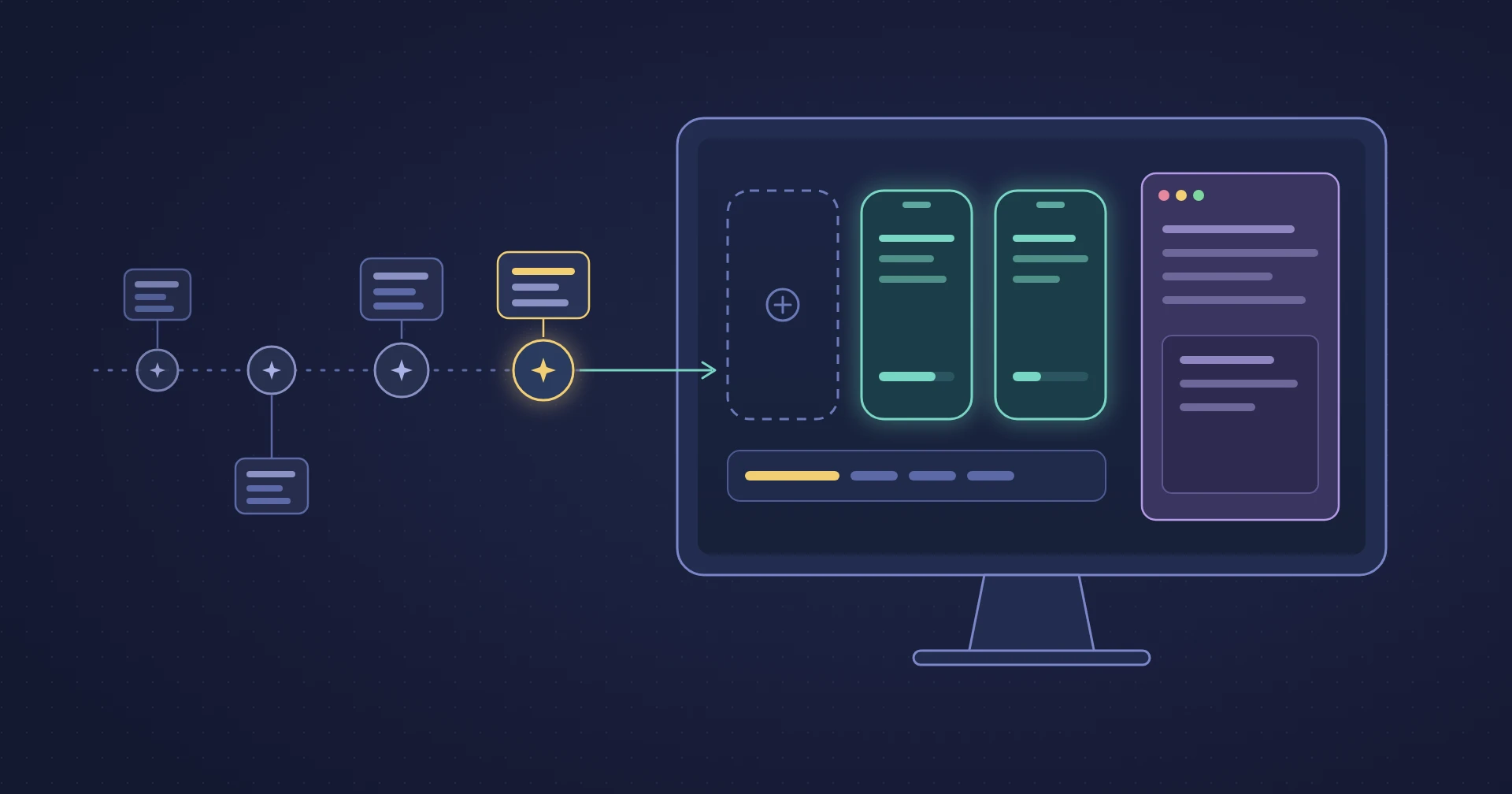
Xcode Runner provides the guardrails your agents need to perform iOS testing without impacting your system. By using slim simulators and low-priority builds, it ensures that agent activity stays in the background, leaving your CPU and memory free for your own development work.
Features
- Keep your Mac responsive. Run agent simulators with about half the memory usage of a full simulator, leaving more resources for your own work.
- Work across multiple projects without overwhelming your Mac. Run several agents in parallel without letting their simulators compete for all your available resources.
- Keep your own Xcode builds running smoothly. Agent builds stay in the background and separate from your project files, so you can keep working without interference.
- Finish sessions without the leftover clutter. Agent-created simulators, builds, and logs are cleaned up automatically, while your own files stay untouched.
- Let agents handle their own troubleshooting. Built-in guidance helps agents resolve common issues, and you can see and remove everything Xcode Runner created if you ever want to uninstall it.
FAQs
Will Xcode Runner affect my own simulators or builds?
No. Your personal simulators and Xcode builds stay separate from agent activity. Agents use their own simulators and build folders, so they won't interfere with your work. You can also choose to make your own simulators slim during setup, but only with your approval.
What happens when multiple agents need a simulator?
Xcode Runner manages access based on the limit you set. Agents wait for a free spot instead of launching too many simulators at once. While waiting, they can continue working on tasks that don't need a simulator.
Does Xcode Runner need an internet connection?
No. Everything runs locally on your Mac. Xcode Runner works entirely offline and doesn't send any data from your machine.