 NatashaTheRobot
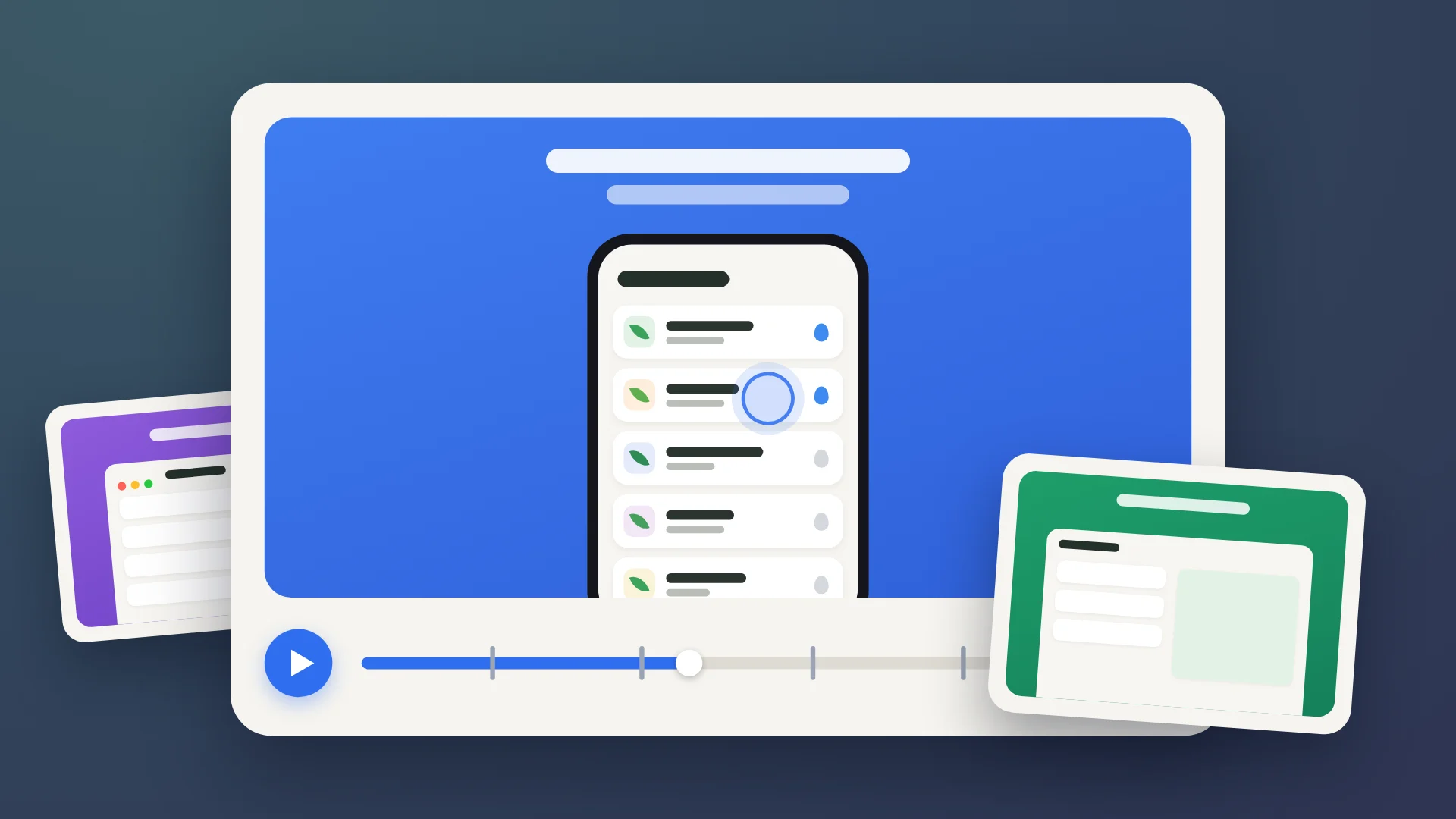
Making App Store preview videos manually is a slog. You record the simulator, fight with timing in a video editor (30 seconds or less!), and manually add captions and device frames. Even worse, you often face rejections from App Store Connect because of a missed codec or slightly wrong file size. And if your UI changes? You have to start the whole recording and editing process over again for every device.
This skill lets your agent manage the entire pipeline from storyboard to final render. Instead of manual editing, your agent uses a demo launch mode to record your app with consistent data and a fixed clock. It handles transitions, captions, and bezels, then verifies the results against Apple's technical specs so you don't waste time on invalid files.
How it works
The agent drives UI tests on the simulator to record scenes, then uses automation to stitch clips and add overlays. To make review easy, the agent publishes light review copies to a hosted page or artifact where you can compare new drafts against previous ones side-by-side.
Features
- Record real app usage. Your agent drives UI tests on a simulator to capture actual user flows.
- Target multiple devices. The agent renders exact-size videos for iPhone, iPad, foldable iPhone, and Mac.
- Automate the visual polish. It adds captions, Apple product bezels, and looping end cards automatically.
- Intelligent scene timing. The agent detects real transitions, slows down typing for readability, and applies smooth cross-fades.
- Check against Apple's specs. The agent verifies size, length, codec, frame rate, and sound to catch errors before you upload.
- Automated remake after UI changes. One command lets your agent regenerate all approved videos when your interface changes.
- Generate assets for search and headers. The agent can also create the looping product page header and iOS 27 search result videos without needing app recordings.
- Avoid common pitfalls. The agent uses a database of 147 known preview problems to prevent common errors during production.
FAQs
Does it upload the videos for me?
No. The agent prepares and checks the files against Apple's specs. You upload the final approved files to App Store Connect yourself.
Will it change my app or use real data?
The agent uses a demo launch mode for Debug builds and accessibility identifiers to interact with controls, which is added to your app. It uses fixed data and recorded network replies so your real user data stays safe.
Does it send anything to a server?
The agent runs all recordings and renders locally on your Mac. It only publishes light review copies to a hosted web page or artifact for your inspection.
Can I use my Mac while it records?
While recording iPhone or iPad scenes, the simulator runs in the background. If the agent is recording a Mac app, it will use your mouse and keyboard, so the agent will warn you before it starts.