 NatashaTheRobot
The Problem
You've set up a dedicated remote Mac to handle your agents' Xcode work, but running multiple sessions still comes with many challenges. Agents compete for memory and simulators, full simulators take up a lot of resources, and builds and project files can quickly pile up. Before long, sessions start getting in each other's way and your remote Mac runs out of space to keep everything running smoothly.
And when agents finish, they don't always clean up after themselves. Simulators stay running, build files and logs accumulate, and it's hard to tell which files belong to which session. You still end up spending time managing the remote machine instead of focusing on work that matters.
The Solution
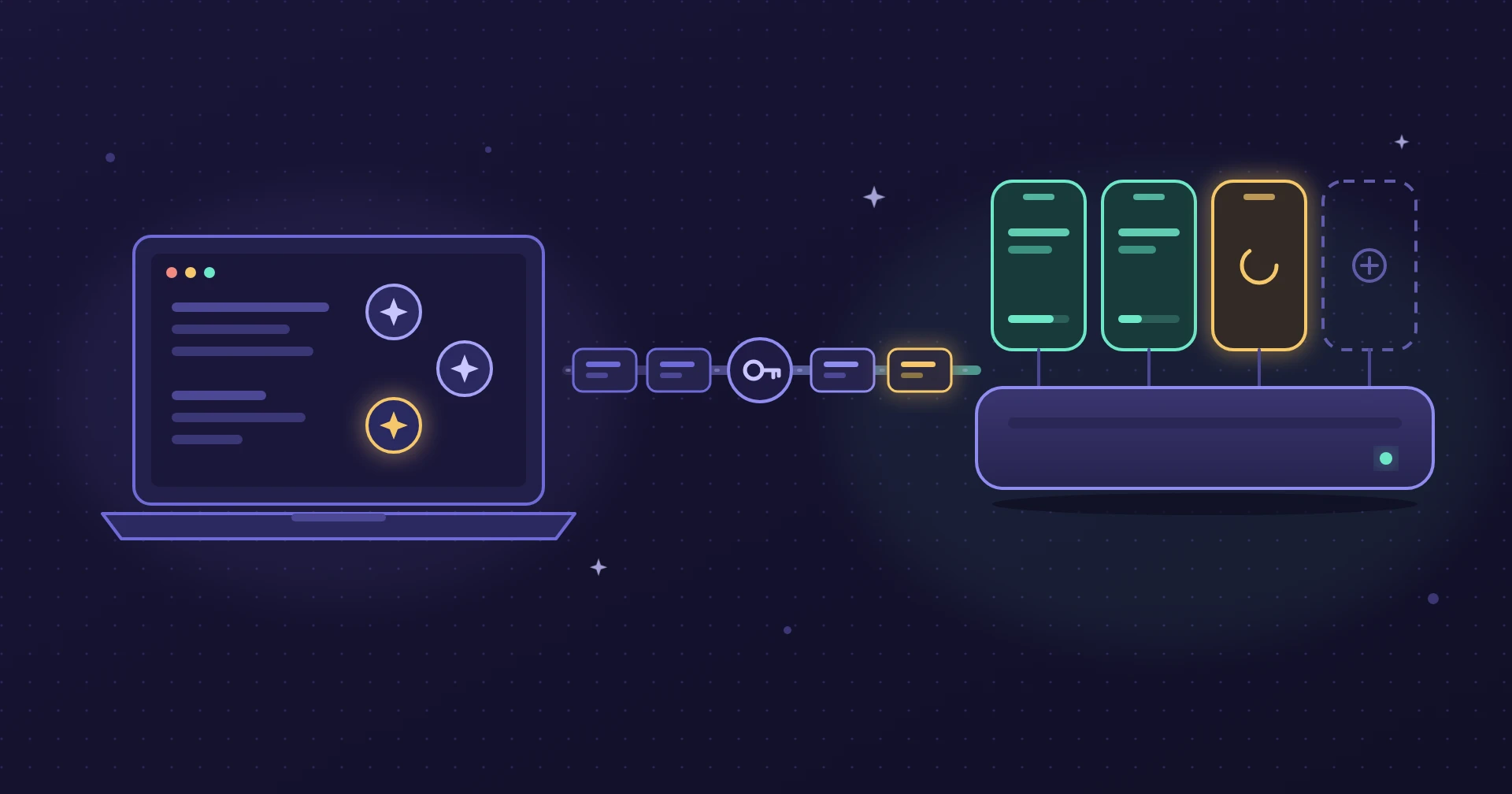
Remote Xcode Runner keeps your remote Mac organized and ready for multiple agents. Each session gets its own simulator and project copy, while slim simulators make better use of available memory. Agents can work across different projects without interfering with each other, and automatic cleanup removes the builds, simulators, and logs they leave behind. Get more out of your remote Mac without having to manage every session yourself.
Sample Prompts
- "Run the UI tests of this app on the Mac mini."
- "Show me this SwiftUI preview from the Mac mini."
- "Is the Mac mini ready? How much memory is free?"
- "Open the app, tap Sign In, and tell me what the next screen shows."
- "The build failed on the Mac mini. Find out why and fix it."
- "Clean up everything you made on the Mac mini."
Features
- Get more out of your remote Mac. Run more agent sessions on the same machine without running out of memory and resources.
- Keep projects independent. Let multiple agents build and test different projects without interfering with each other's work.
- Keep agents working without babysitting them. Sessions can wait for available resources and continue when they're ready, without you having to manage who gets access.
- Stop cleaning up after agents. Keep your remote Mac free of leftover simulators, builds, and logs so it's ready for the next session.
FAQs
Do I need a Mac mini?
You need a dedicated remote Mac with macOS and Xcode installed. This can be a Mac mini you own or a rented Mac you can access over SSH.
What does setup involve?
Your agent prepares the remote Mac to run builds and tests reliably, even when you're not actively managing it. It configures the necessary settings and remote access, explaining each change and asking for your permission before making it.
Can multiple agents work on the remote Mac at the same time?
Yes. Each agent gets its own environment, so they can work on different projects without getting in each other's way. If the Mac is busy, agents keep working on other tasks while waiting for their turn.
How do files move between my Mac and the remote Mac?
Your agent can work on your local machine as usual. When it needs the remote Mac, Remote Xcode Runner transfers your project files there and brings the results, logs, and previews back to your local project. Everything moves directly between your two Macs over SSH. Nothing is sent to a third-party service.