
Claude Utilities Bundle

Trusted UpdatesNetwork ResumeContext Cleanup

Spend less time managing Claude. More time building.

Keep Claude Code plugins and skills up to date, resume tasks after network outages, and clean up leftover files. Three tools for a smoother coding workflow.

How they work together

Keep your Claude Code workflow running smoothly before, during, and after you build. Trusted Updates keeps your chosen plugins and skills current, including the latest Xcode skills. Network Resume helps Claude continue long tasks after Wi-Fi outages, while Context Cleanup removes leftover files, trims outdated agent notes, and frees disk space when you're done.

Together, these tools take care of the maintenance and interruptions that slow you down. Start with up-to-date tools, keep Claude working while you're away, and finish with a clean workspace, so you can focus on building instead of managing your agent.

What’s inside

  • Trusted Updates

    Keep your Claude Code plugins and skills up to date automatically, only from sources you trust. Get the latest Xcode skills whenever you update Xcode by default!
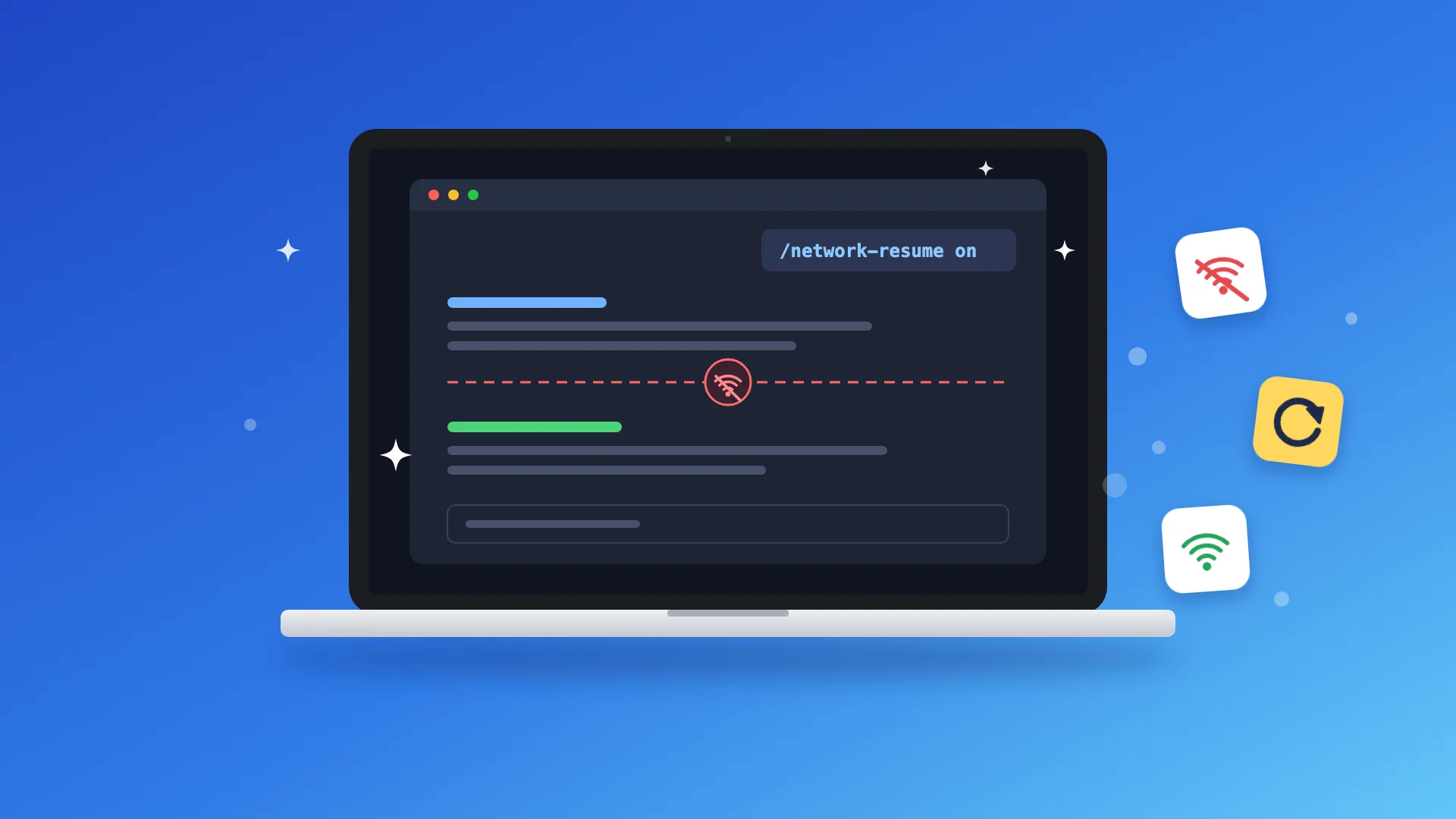
  • Network Resume

    Keep Claude Code tasks running through network outages. Automatically detects dropped connections and prompts Claude to continue once your network is back online.

  • Context Cleanup

    Clean up after your AI coding sessions. Remove leftover files, trim outdated agent notes, and free up disk space, all with one command.

What happens after you buy

  1. 1

    Download

    Download the ZIP containing all three tools, their full source code, and installation instructions.

  2. 2

    Set up with your agent

    Share the folder with your agent. It will follow the installation instructions for each tool, ask for permission when needed, and guide you through any manual steps.

  3. 3

    Make it yours

    Have your own preferences for which tools get updated, how Claude resumes interrupted work, or what gets cleaned up afterward? Ask Claude to customize each tool to fit your workflow.

Let your agent check if Claude Utilities Bundle is right for you.

Just copy this prompt:

Read https://tools.natashatherobot.com/claude-utilities-bundle.md, the page for Claude Utilities Bundle, and the individual tool pages: https://tools.natashatherobot.com/trusted-updates.md, https://tools.natashatherobot.com/network-resume.md and https://tools.natashatherobot.com/context-cleanup.md. Based on what you know about my projects and Claude Code workflow, assess which tools would help me keep plugins and skills up to date, recover from network outages, and clean up after coding sessions. Compare buying the bundle with buying only the tools I'd actually use, and recommend which offers better value for me. Ask me for more context if needed.