
The App Store Release Bundle

App Store Preview VideosApp Store Slides

Focus on releasing your app, not spending hours creating App Store screenshots and preview videos.

Create App Store screenshots and preview videos with Claude or Codex. Coordinate designs, check Apple's specs, and regenerate assets after UI changes.

How they work together

App Store Preview Videos lets your agent record real app flows using UI tests, adding captions, bezels, and end cards while checking every file against Apple's specs. App Store Slides lets your agent capture real screens with clean status bars and demo data, framing them in device bezels with headers.

Together, these tools let your agent manage your App Store media as one coordinated workflow. You can tell your agent to plan a video and its accompanying slides together so they showcase your app's value. Because they share a bezel finish and the video captions are sized to match the slide headers, your media maintains a consistent look across iPhone, iPhone Duo, iPad, and Mac.

When you change your UI, your agent can remake the approved assets using the recipes and demo setup saved in your repository.

You stay in control of the creative decisions. Review drafts, request changes, and approve the final assets before uploading them to App Store Connect.

What’s inside
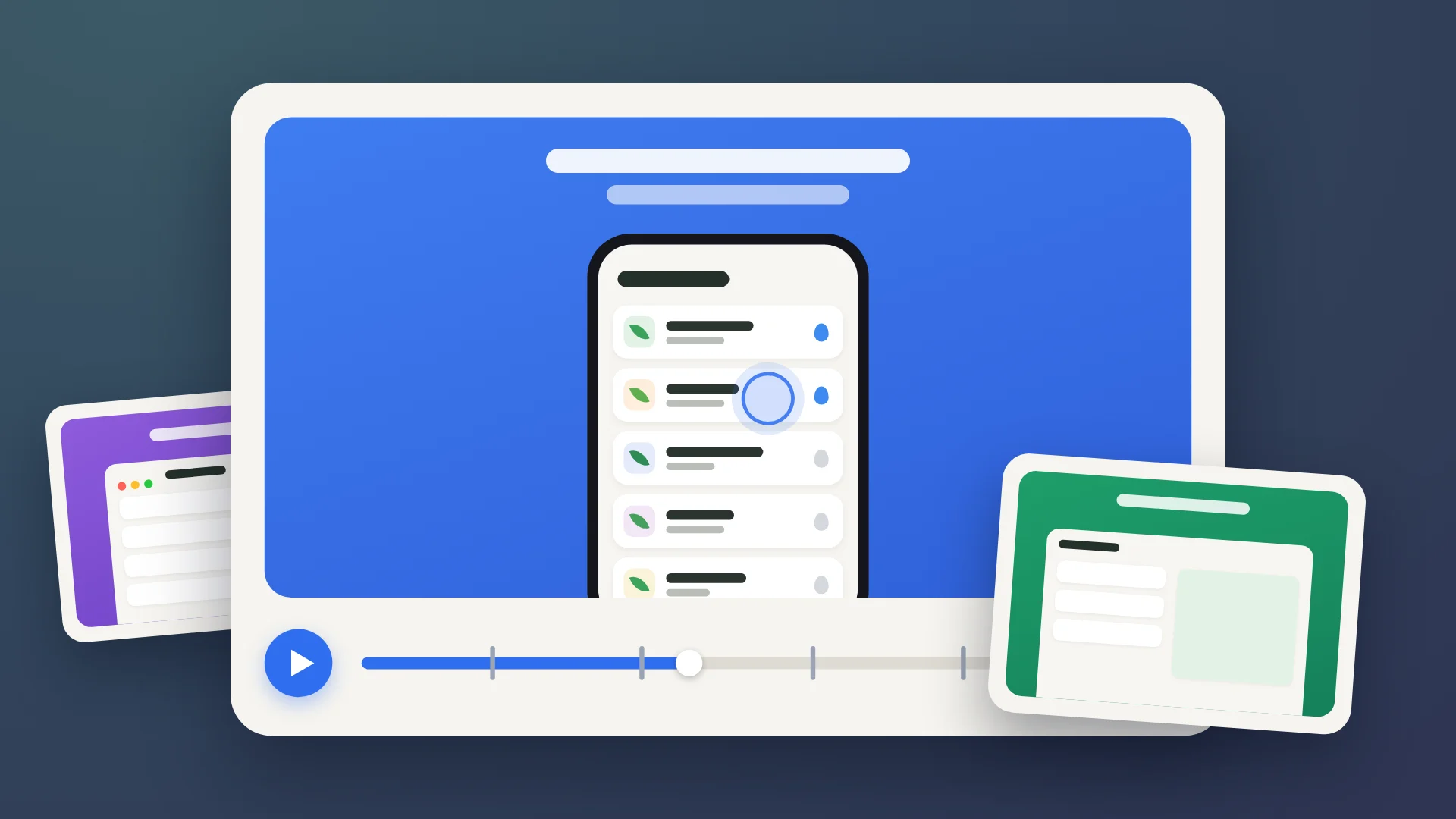
  • App Store Preview Videos

    Let your agent handle App Store video production. It records real app flows, adds captions and device frames, and checks that every video meets Apple's technical specs.
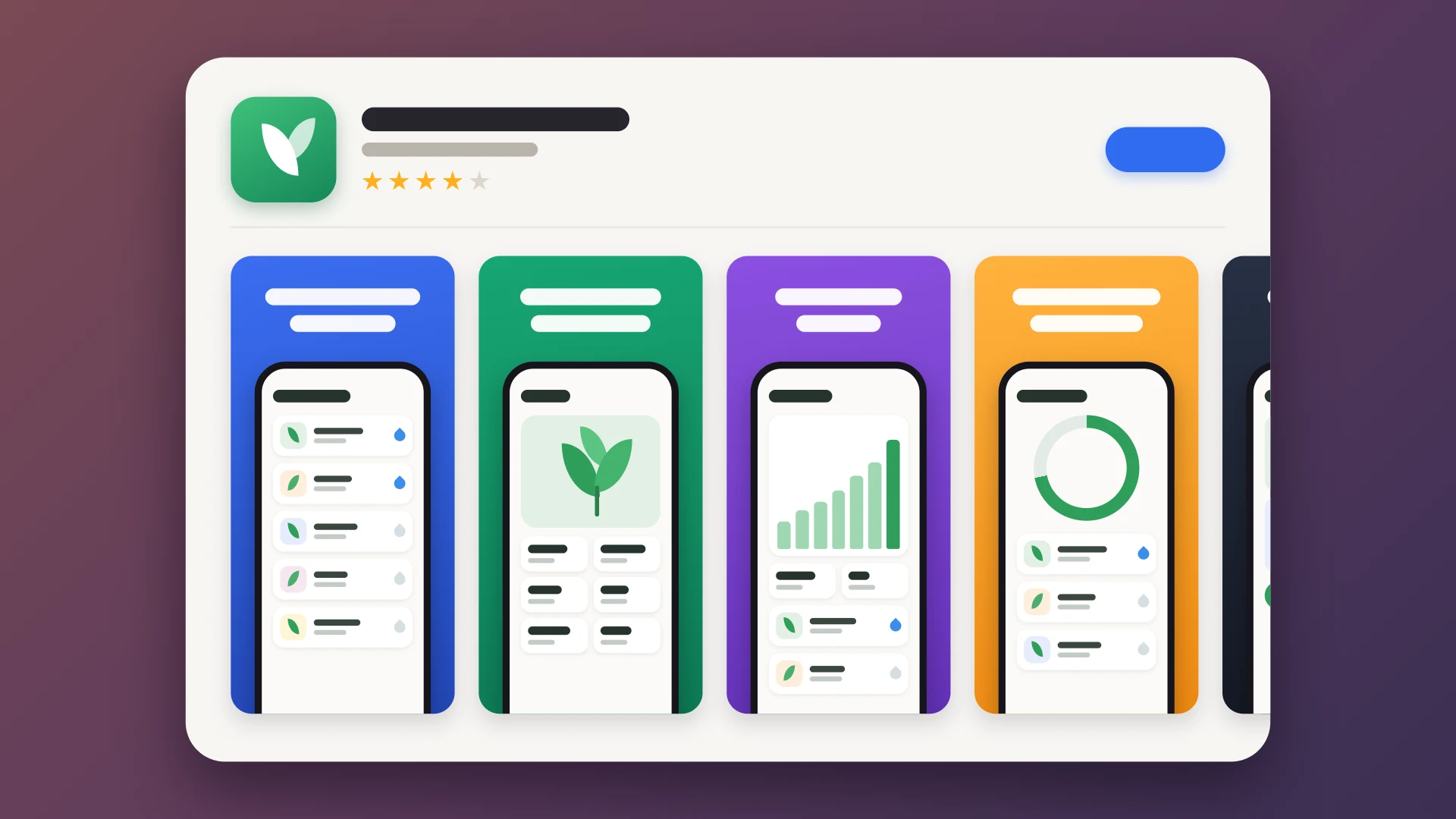
  • App Store Slides

    Let your agent handle the tedious work of creating App Store screenshots. It captures real app screens, frames them in official device bezels, and maintains a recipe in your repo so you can regenerate the entire set whenever your UI changes.

What happens after you buy

  1. 1

    Download

    Download the ZIP containing both tools, their full source code, and installation instructions.

  2. 2

    Set up with your agent

    Share the folder with your agent. It will follow the installation instructions and guide you through manual steps like downloading Apple's bezels. Then, manually start a new Claude or Codex session.

  3. 3

    Make it yours

    Ask your agent to propose video stories, headers, or captions. You pick the final look, and your agent can quickly remake the entire set if you change your app's UI.

Let your agent check if The App Store Release Bundle is right for you.

Just copy this prompt:

Read https://tools.natashatherobot.com/app-store-release-bundle.md and the individual tool pages: https://tools.natashatherobot.com/app-store-preview-videos.md and https://tools.natashatherobot.com/app-store-slides.md. Based on my apps and how I use Claude or Codex, recommend whether I should buy The App Store Release Bundle or the tools individually to create my App Store assets. Consider the benefits of planning screenshots and videos together, maintaining a consistent look, meeting Apple's technical specs, and regenerating assets after UI changes. Compare the costs and value of each option, and ask for more context if needed.