 NatashaTheRobot
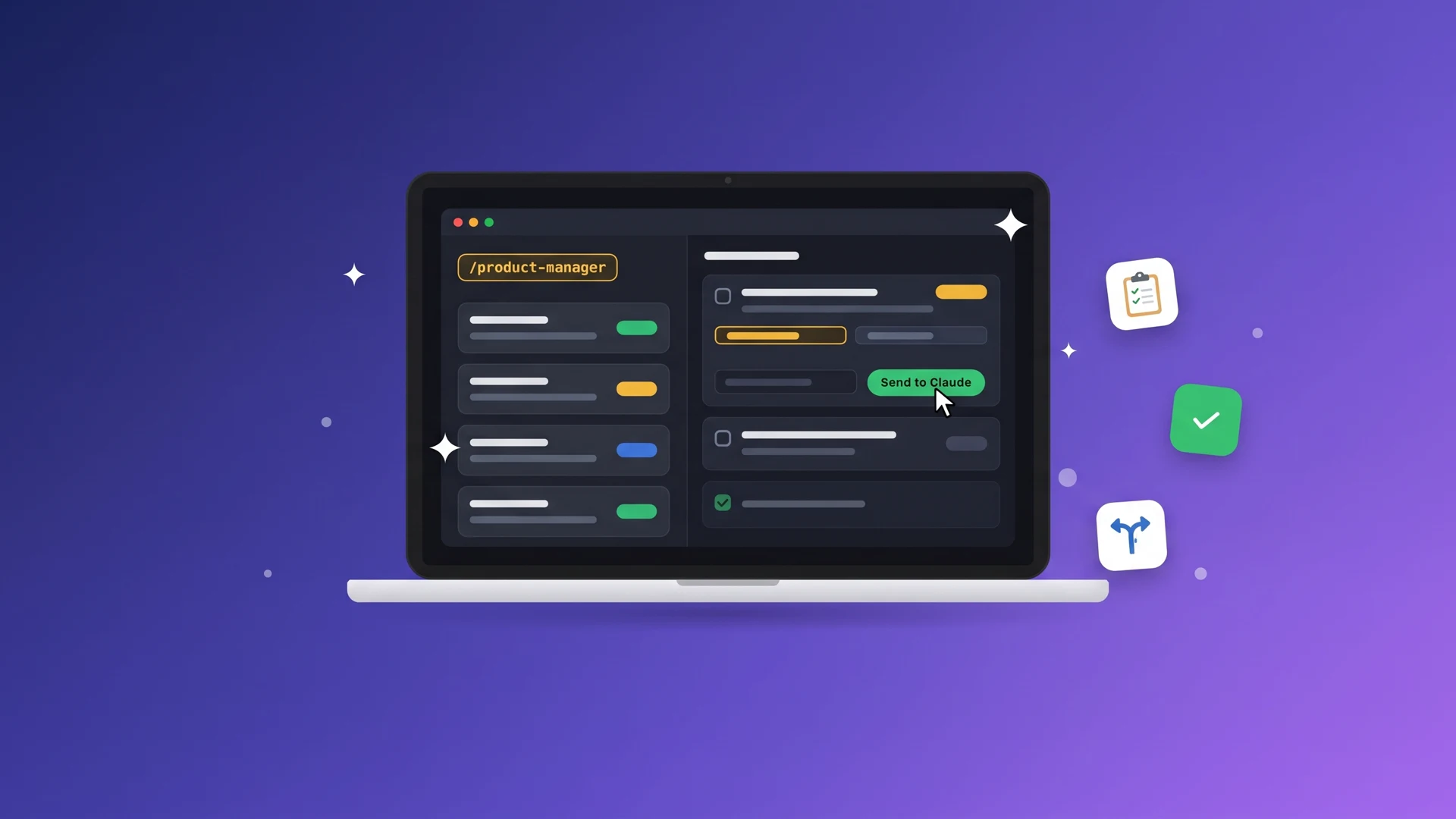
Running multiple Claude or Codex sessions means constantly switching between chats to check progress, share decisions, and keep everyone in sync. You become the manager instead of focusing on building your product.
Product Manager lets one agent coordinate the rest. It delegates tasks, tracks progress, shares decisions across sessions, and keeps work moving. You stay in control from a single board and only step in when your input is needed.
Features
- See everything in one place. Track what each agent is working on, its progress, and what needs your attention from a single board.
- Delegate tasks automatically. Your manager starts a new session for each task, selling smaller models whenever possible to reduce time and costs.
- Handle decisions from one board. Review questions, approve merges, and manage tasks without jumping between chats.
- Keep all agents in sync. Your manager shares decisions and important findings with affected sessions so everyone works with the latest information.
- Keep work moving. Your manager follows up with sessions that stop before finishing, so you don't have to constantly check on them.
How to use it
Start by making a session the manager of your project.
Claude:
/product-manager Atlas: Manage this project and coordinate the other sessions.
Codex:
$product-manager Atlas: Manage this project and coordinate the other sessions.
- replace Atlas with your project name
Once your manager is running, just tell it what needs to be done, ask questions, share decisions, etc:
- "Add an export button to the list screen."
- "Let's use the second onboarding design. Make sure the other sessions know."
- "What is everyone working on? Is there anything you need from me?"
- "Has the export button been merged into main?"