 NatashaTheRobot
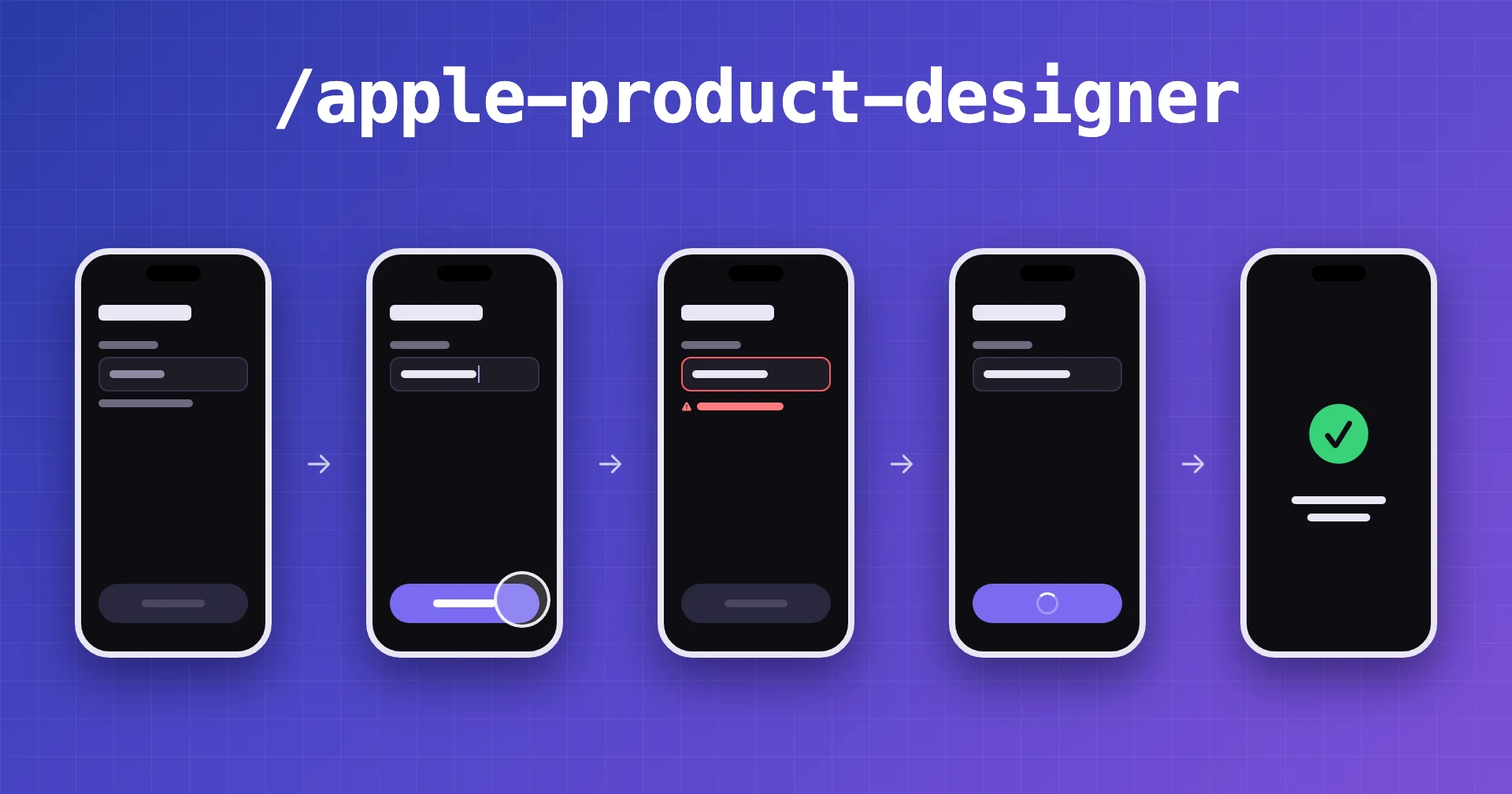
You ask your agent to design a screen, and it looks great. But what happens when something goes wrong? What if there's no data, a request fails, or the user enters something invalid? These details are easy to miss. And even when you approve a design, your coding agent might end up building something different.
Apple Product Designer helps you work through the entire experience before coding begins. Your agent designs every screen state, follows Apple's guidelines, and keeps things consistent with your existing app. You review and approve the designs, then your coding agent gets clear instructions to build them. Afterward, your designer agent checks the code against what you approved.
How it works
The agent manages a four-stage design-to-build cycle to keep the work organized:
- Prototype: The agent draws the initial screens and states for your review.
- Review: You use an interactive page to pick, comment on, and approve the designs.
- Briefing: The agent provides a precise engineering brief to minimize guesswork.
- Verification: The agent compares the engineer's commit against your approved design, fixing the design page or sending the engineer the exact gaps until the build matches.
Features
- Design with Apple's guidelines in mind. Your agent uses the latest available Human Interface Guidelines to help create interfaces specifically for Apple devices.
- Design every screen state. See how your feature looks and works when it's empty, loading, successful, or something goes wrong, not just when everything works perfectly.
- Keep your app consistent. Your agent uses your existing colors, components, text, and SF Symbols so new features fit with the rest of your app.
- Review designs before building. See the complete flow, leave feedback, and approve designs in an interactive page before your coding agent starts implementing them.
- Catch differences between design and code. Your designer agent reviews the implementation against your approved designs and points out anything missing or different.
Sample Prompts
- "
/apple-product-designerthe sign-up flow shows no error when the email is taken" - "
$apple-product-designerredesign the onboarding for the Mac app" - "The engineer just pushed the commit for the sign-up fix. Check it against the design."
- "I left notes on the review page. Apply them."
FAQs
Is it only for Apple platforms?
Yes. It is built specifically for Apple platforms and uses askhig to ensure every design adheres to Apple's latest guidelines.
Can my agent approve designs for me?
No. You decide what gets approved. Your agent waits for your approval, either in the chat or on the review page, before moving forward.